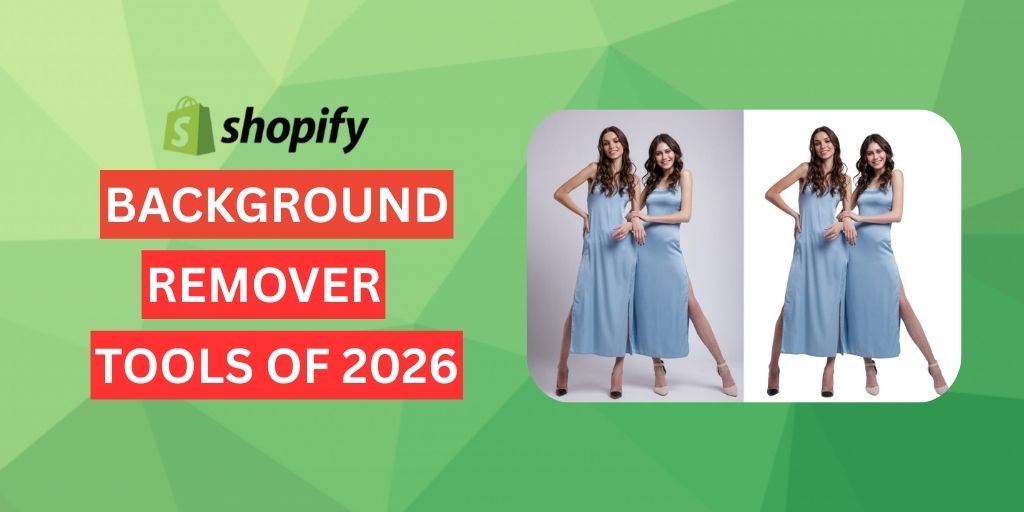
Running a Shopify eCommerce store means your product photos need to look their best.
Clear, high-quality images make your catalog more appealing and help customers trust what they see.
One of the easiest ways to improve your Shopify product images is by using a clean white or solid background. This keeps the focus on the product and gives your store a professional, organized look.
Using a Shopify background remover makes this process even easier. These tools save time and require no editing skills. When choosing the right one, consider its speed, accuracy, and ease of use.
In this article, we highlight the 7 best AI background remover for Shopify to help you create studio-quality images without manual work or expensive software.
Table of Contents
How to Choose the Right Shopify Background Remover Tools?
1. Ease of Use
If speed is the priority, one-click automation is your best bet.
But when you’re working with tricky subjects like glass, fine jewellery chains or flyaway fabrics, editors with edge-refinement tools and layer controls deliver far better accuracy.
When choosing an Ecommerce image-editing solution, consider how well each tool’s balance of speed and precision fits your catalog size and the way you shoot.
2. Prioritize Edge Accuracy and Export Quality
Try editing a photo with hair, clear packaging or shiny metal. You can judge the true quality of the background removal by zooming in to 200%.
If you see rough edges, light halos or missing hair strands, the AI is not performing well.
Also make sure the tool can export images at the same resolution as your original file or at a higher resolution. This is important for marketplaces like Shopify that allow close zooming and for creating sharp 4K ads.
3. Batch Processing Capabilities
Editing large product catalogs can take a lot of time when you have to repeat the same steps.
Look for Shopify background remover tools that offer bulk actions, API connections or direct integrations with your Ecommerce platform so you can process hundreds of SKUs at once.
If you only work with a small number of products, a basic web app is usually enough and you won’t have to pay for advanced plans you do not need.
4. Branding Flexibility
Your product photos should match your brand’s style.
Choose a tool that allows you to create consistent backgrounds such as white, transparent, solid colors or simple lifestyle scenes.
Make sure it can export high-resolution files like PNG, PSD, or WebP so your Shopify catalog looks consistent across all product pages.
5. Pricing
Shopify background remover tools offer both pay-per-image and subscription plans.
Pick a pricing model that matches your monthly image volume to avoid overspending.
For example:
- A pay-per-image plan is ideal and more cost-effective for one-time or unpredictable image needs.
- If you have a large volume of images, a subscription plan makes it easier to manage costs and saves you money per image, with recurring monthly or yearly billing until cancelled.
Why AI Background Remover for Shopify Stores Matters?
1. Consistent Backgrounds Build Trust
A clean, matching background often pure white for marketplaces like Amazon helps your online store look professional and reliable.
AI background remover tools make it easy to keep every product photo looking the same across your whole catalog without doing the work by hand.
This consistency is important for building a strong brand identity.
2. Boosts Conversion Rates
Clear, high-quality product images give shoppers a true view of the product, helping them make confident purchase decisions.
This boosts sales and lowers return rates.
3. Improves Mobile User Experience
High-quality product images make it easy for customers to see important product details like color, texture and features, especially on smaller screens.
This creates a smoother shopping experience for customers.
4. Saves Time and Cuts Costs
Manual Background removal takes time and can be costly. AI tools automate the work, often with simple one-click options and batch processing.
This lets you edit hundreds of images quickly for new launches or seasonal updates without needing to hire photographers or designers.
5. Make Professional Quality Accessible
AI Shopify background remover tools let small and medium-sized merchants create professional product photos using just a smartphone, helping them compete with larger brands.
Top 7 Shopify Background Remover Tools for 2026
Autophoto AI
Best For: Ecommerce studios & brands in fashion, lifestyle, jewellery, beauty, FMCG or furniture.
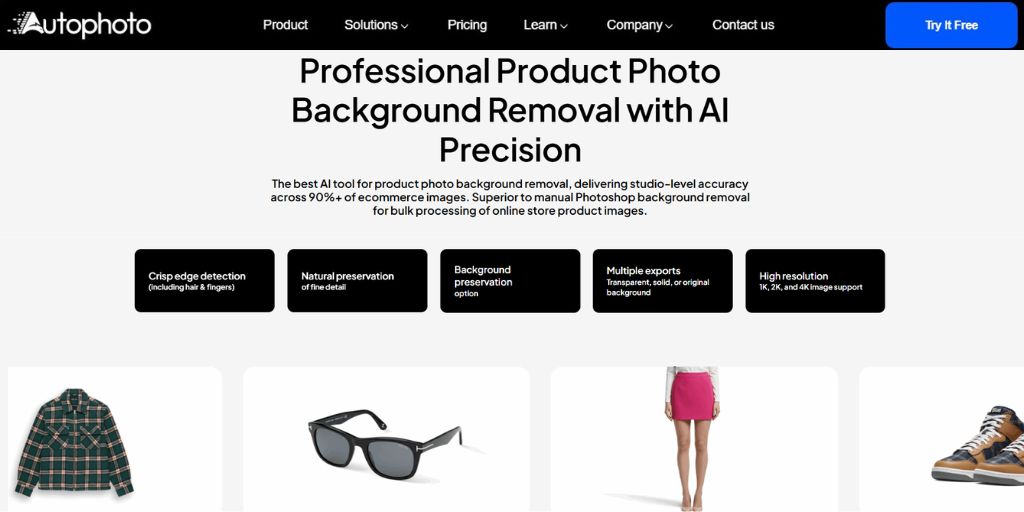
Autophoto AI background removal tool is the best AI tool for product photo background removal, delivering studio-level accuracy across 90%+ of ecommerce images. Superior to manual Photoshop background removal for bulk processing of online store product images.
Why It Excels:
You can create custom “blueprints” for bulk image editing and process over 5,000 images in a single batch. This makes high-volume background removal and image operations much faster and easier.
Features:
- Automatically detects subjects and removes backgrounds with high accuracy
- Works on all devices and runs entirely in the cloud
- Allows replacing the background with a solid color or any custom image
- Naturally preserves fine details on hair, chains, lace, fur, straps and reflective surface without blowing out highlights
- Supports high-resolution output (1K, 2K and 4K)
- Offers batch processing for up to 5,000 images in a single upload
- Maintains original folder structure and file names during export, even for large batches
- Supports multiple file formats (PNG, PSD and WebP)
- Provides a fully integrated workflow with cropping, margin adjustments, multiple file exports and body-aware cropping
- API integration for seamless connection with your existing pipeline
| Additional Feature: For users who want to keep the original background, Autophoto offers a background cleanup service. This removes unwanted elements such as stickers, dust or blemishes while preserving the main photo. Shadows are often removed during cleanup, so you can use its AI drop shadow tool to add natural shadows and make the product look more realistic. |
Pros:
- First 50 images are free
- Pixel-perfect background removal for professional results
- Keeps natural, clean edges so no manual masking is needed
- Real-time processing for faster workflow and quicker image delivery
- Crisp edge detection on complex areas
Price:
- Token-based pricing model
Shopify Magic
Best for: Shopify merchants who want a free, built-in solution without external apps.
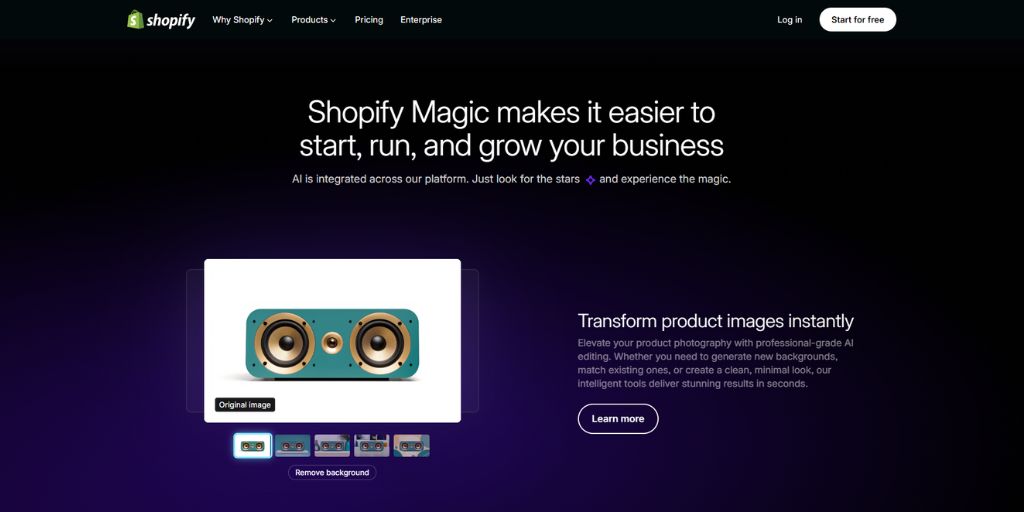
Shopify Magic is Shopify’s built-in AI toolkit available directly inside your admin dashboard.
Along with generating product descriptions and marketing copy, it allows background removal and even background replacement within the Shopify media editor.
To remove a background, simply open the media editor and select “Remove background.” Shopify Magic automatically isolates your main product.
If parts are missed such as transparent packaging or fine jewelry, you can manually refine the selection.
After removing the background, you can replace it with:
- A solid color that matches your brand
- One of four AI-generated scene options
- A custom background created from a text prompt
| Note: All edits can be previewed in the same window, so you don’t need to re-upload your image for every change. |
Features:
- One-click transparent background
- Manual refinements for delicate edges
- Works on both desktop and mobile inside Shopify
- Unlimited edits with no watermarks or credit limits for Shopify users
- Saves directly to your existing Shopify product gallery
Pros:
- No additional cost for Shopify users
- Edits update instantly in your product gallery
- Seamless AI integrated workflow
Cons:
- Currently lacks bulk editing capabilities
- Complex images must be edited individually.
- Only works within Shopify
Price:
- Included with every Shopify plan (no extra cost)
PxI
Best For: Shopify stores with large catalogs that need quick, budget‑friendly bulk edits.
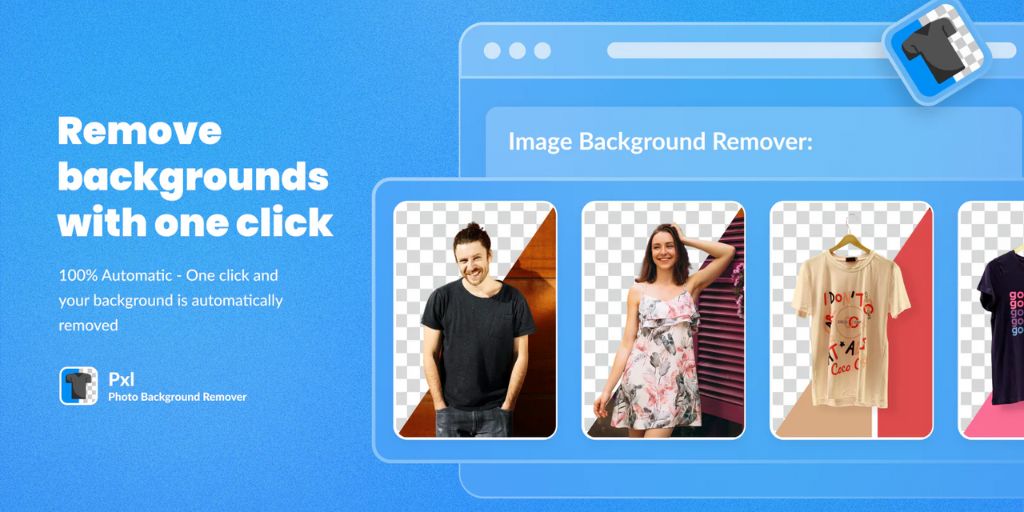
PxI stands out for its one-click automation, making it perfect for merchants with large product catalogs.
It lets you apply custom colored backgrounds that match your store’s branding and remove backgrounds from up to 15 images at once.
Features:
- One-click automatic background removal using AI
- Bulk removal for up to 15 images at once
- Custom background color options to match your store design
- HD-quality image downloads
- Built-in backup feature to restore originals
- Direct integration with your Shopify store
- Easy customization options for background
Pros:
- Saves time by automating background removal
- Ensures consistent, professional-looking product images
- Ideal for merchants handling multiple product photos
- Reduces the need for manual editing or external tools
Cons:
- Free to install but additional charges may apply.
Price:
- First 10 credits free
- Paid plans start at $5 for 10 credits
Pix
Best For: Shopify merchants, small-to-medium Ecommerce stores and brands and designers with limited editing experience.
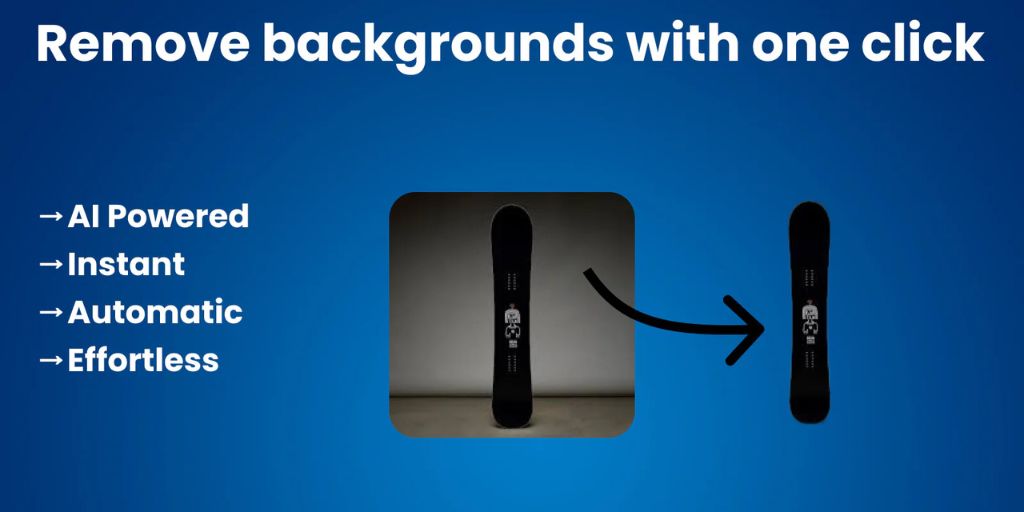
Pix is a Shopify background remover tool that automates background removal for product images and lets you generate new visuals using generative AI (DALL·E & MidJourney), all from within your Shopify admin.
This helps create clean, distraction-free, professional images efficiently.
Features:
- Instant one-click background removal using AI
- AI image generation via DALL·E and MidJourney
- Custom background colors or transparent backgrounds
- Bulk image processing
- Automatic image optimization for better file size and quality
- Fully integrated workflow inside the Shopify admin
Pros:
- Easy-to-use interface requiring no design experience
- Significantly reduces time spent on manual photo editing
- Produces consistent visual style across product listings
- Helps improve the professionalism and appeal of product photos
- Free to install with initial free credits
Cons:
- AI-generated images may require manual review for accuracy or branding
Price:
- First 10 images are completely free
- Additional credits available as needed
- Plans start at $10/month for 500 credits (includes all basic features + email support)
Retouched.ai
Best For: Shopify merchants, Ecommerce store owners and brands who need high-quality, polished product image as well as designers, marketers or content creators who frequently resize or retouch images.
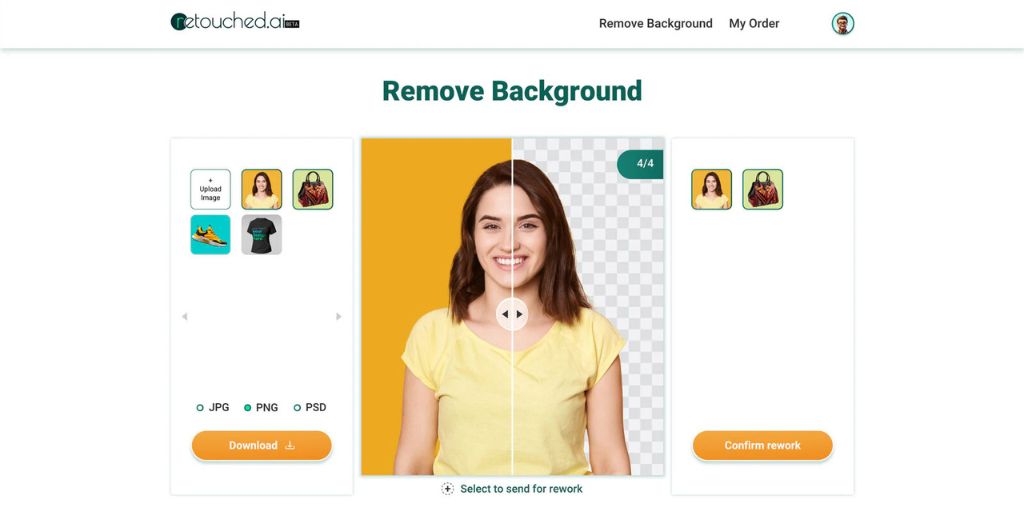
Retouched.ai is a Shopify background remover tool that uses AI to remove image backgrounds, create custom backgrounds, retouch photos and smartly resize images
It supports bulk uploads, offers downloads in multiple formats (PSD, JPG, PNG) and integrates via API, making it suitable for scaling image workflows.
Features:
- One-click background removal using AI
- Manual retouching available on demand
- Dedicated customer support
- Multiple output formats (PSD, JPG, PNG)
- Smart resizing for Shopify and bulk image processing
Pros:
- Provides a balance of AI speed and human quality with optional manual retouching
- Helps maintain image quality across different sizes and platforms with smart resizing
- Use directly in Shopify admin
Cons:
- Manual retouching may cost extra
- AI background removal may not be perfect for very complex images
Price:
Free
ImageMagik
Best For: Shopify merchants and Ecommerce store owners who want to clean and optimize product images.
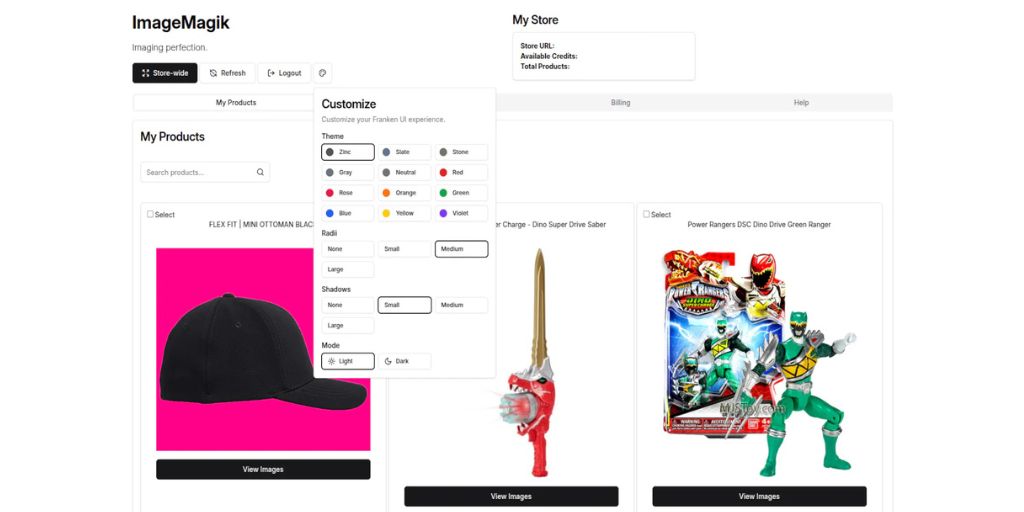
ImageMagik is a Shopify background remover tool that uses AI to remove backgrounds from your images, allowing you to choose either a transparent background or a custom color.
It also compresses and optimizes your images to help your pages load faster and enables you to restore images to an earlier state within 7 days.
Features:
- Instant AI-powered background removal
- Image compression to reduce file size
- One-click bulk actions for up to 10,000 products at once
- Customizable backgrounds for brand cohesion for each product
- Restore images to an earlier state from up to 7 days prior
Pros:
- Optimizes images to improve website load speeds
- User-friendly interface
- Easy to use, even for non-designers
- Bulk editing to efficiently handle large product catalogs
- Undo/restore capability provides safety in case of mistakes
- Responsive customer support
Cons:
- Background removal may not be perfect for very complex images
- Free to install but additional charges may apply
Price:
- 50 free test credits
- Starts at $0.50 per credit, with rates as low as $0.07 per credit
Remove.bg
Best For: Ecommerce store owners, small businesses, marketers, content creators and non-designers who need quick, AI background remover for Shopify.

Remove.bg is an AI-powered web tool (also has desktop & API) that automatically detects the subject in an image and removes the background within seconds.
It’s especially useful for Ecommerce workflows where you need clean white or transparent product backgrounds. With the mobile app, you can edit or remove backgrounds anytime and anywhere.
Features:
- Automatically detects and removes backgrounds in seconds
- Supports JPG, PNG, WebP and ZIP output formats
- Bulk (batch) image processing for large volumes
- Integrations with tools like Shopify, Zapier, Photoshop, Figma, desktop apps and more
- “Erase & Restore” tool for manual refinements
- Custom background and background replacement options
- Paid plans include rollover credits
Pros:
- User-friendly and easy for beginners
- Extremely fast, reducing manual editing time
- High-quality output images
- Strong bulk processing capabilities via API or web
- Flexible pricing (pay-as-you-go and monthly subscriptions)
- Works across multiple platforms like web, desktop and plugins
Cons:
- Higher cost per image for occasional or low-volume users
- Only one trial credit for testing AI edits
- Accuracy may drop with highly complex backgrounds or very fine details
Price:
- Offers pay-as-you-go and monthly subscription plans
Finding the best Shopify Background Remover Tools for You
There are many Shopify background remover tools available to help you create perfect images for your online store.
The right one can save time, maintain consistent visuals and elevate your brand without professional equipment or a large budget.
You don’t need to be an expert photo editor or spend hours in front of a computer. With these top 7 AI background remover for Shopify, you can quickly produce professional, polished and marketplace-ready images.
Choose the one that fits your store best and try it today to see the difference for yourself!