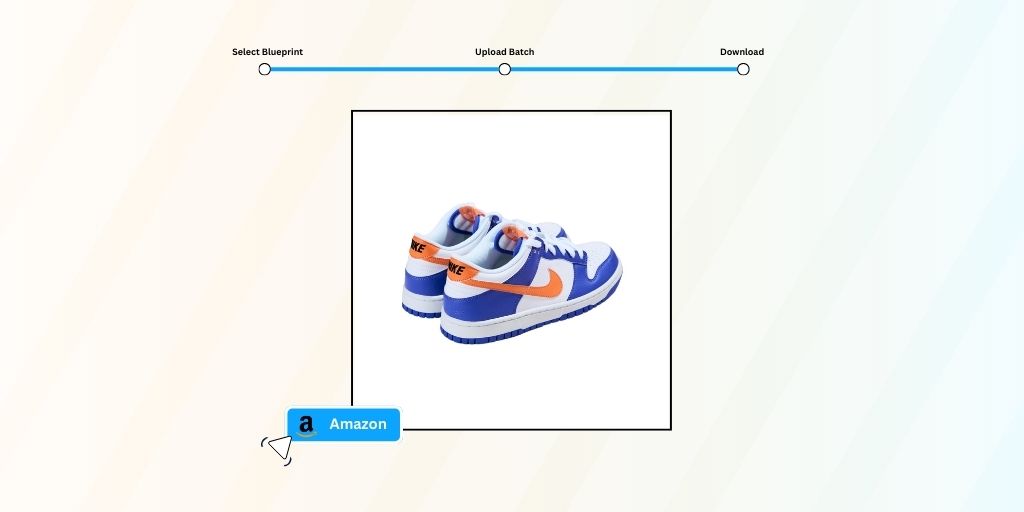
Selling on Amazon means playing by their strict image rules. One rejected photo can tank your listing’s visibility, and manually editing hundreds of product images? That’s hours you’ll never get back.
Here’s the reality: Amazon product photo editing doesn’t have to drain your time or budget. With rule-based AI automation, you can transform raw product shots into Amazon-compliant images in minutes
This guide walks you through the fastest Amazon product photo editing method using Autophoto.ai’s Amazon Blueprint. Whether you’re uploading 10 products or 1,000, you’ll learn exactly how to get pixel-perfect results that meet every Amazon specification.
Table of Contents
Amazon Product Photo Editing Specifications
Before uploading any image to Amazon, make sure your photos meet these requirements:
- Pure white background (RGB 255, 255, 255): Amazon’s main image requirement is non-negotiable
- Minimum 1000 pixels on the longest side: enables zoom functionality for customers
- Recommended 1600+ pixels: optimal for high-quality zoom and better conversions
- Product fills 85% of the frame: maximizes visibility in search results
- JPEG or PNG format: Amazon accepts both, but JPEG is preferred for faster loading
- sRGB color space: ensures consistent color display across devices
- No text, logos, or watermarks on main images: additional images can include infographics
- Product must be in focus: no blurry or pixelated images
- No props or lifestyle elements on main images: show only the product being sold
Getting these specs wrong means delayed listings, suppressed rankings, or outright rejection.
Using manual Amazon product photo editing service to fix each issue is an option, but it wastes valuable time and increases cost.
How to Edit Product Photos for Amazon?
The fastest way to handle Amazon product photo editing is using Autophoto.ai’s pre-built Amazon Blueprint.
This rule-based AI automation instantly applies all Amazon specifications to your images.
Unlike generic photo editors that require you to manually adjust each image individually, Autophoto’s Amazon Blueprint processes hundreds of photos simultaneously.
Here’s the three-step process:
Select Blueprint
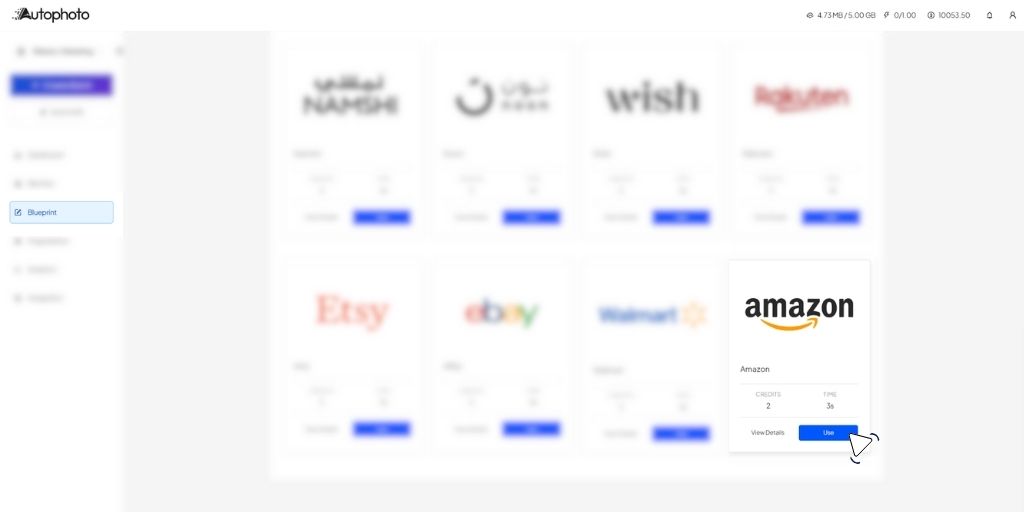
Log into Autophoto.ai account and navigate to Blueprints. Here, you can either use pre-built templates or create a new, custom photo editing template for your brand.
The Amazon Blueprint comes preconfigured with every specification Amazon requires.
That is, pure white background, smart cropping to ensure 85% product fill, automatic resizing to 1600+ pixels, and proper margin spacing.
In your custom Blueprints, you make specific adjustments, like adding shadow, different cropping, or margin ratio etc.
Upload Product Images
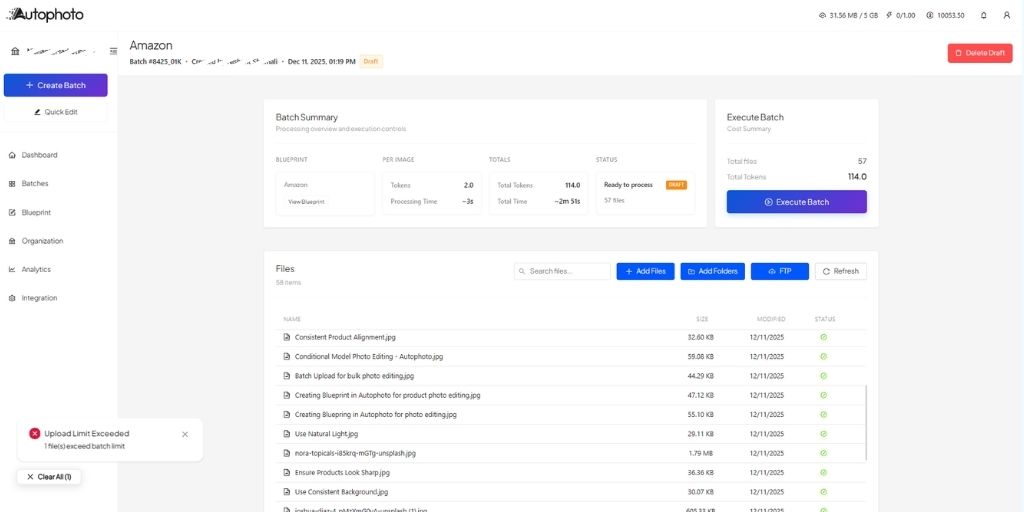
Next, create a new batch in Autophoto to upload all your Amazon product images at once. The size of your batch can be anything, 20 images or 2,000, the Amazon product photo editing process remains identical.
Autophoto processes all formats—JPEG, PNG, HEIC—and automatically converts them to Amazon’s preferred specifications. The AI analyzes each image, identifies the product, removes the existing background, and applies the pure white (RGB 255, 255, 255) background Amazon requires.
Processing happens in seconds per image. While you’re uploading one batch, Autophoto is already finishing the first set. No waiting hours to get your images edited.
Review & Download
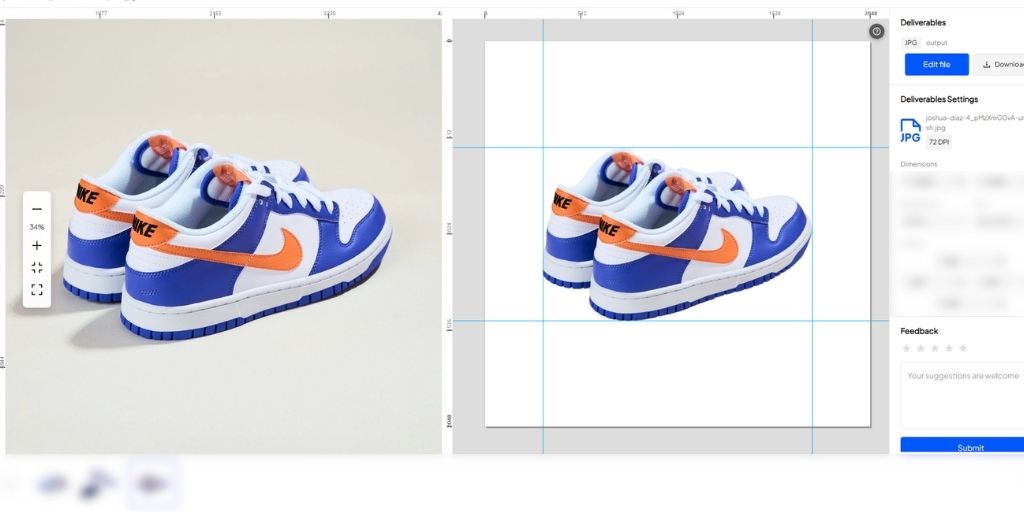
Once processing completes, you will find all your images within the same batch ready for you to download.
Here, you can also review each image directly within the Autophoto editor itself. This is a great way to compare both, before and after images even before you download and set up a manual QC.
When you’re satisfied, click “Download All” to get your edited images in a ZIP file.
Conclusion
Amazon product photo editing shouldn’t slow down your business. With Autophoto.ai’s Amazon Blueprint, you get marketplace-compliant images in minutes.
No more manual background removal. No more guessing at specifications. No more rejected listings because of technical errors.
Upload your raw product photos, let the Amazon Blueprint handle the editing rules, and download professional results ready for Seller Central.
It’s the fastest way to scale your Amazon catalog without hiring designers or learning complex Amazon product photo editing software.
Ready to speed up your Amazon image workflow? Try Autophoto.ai’s Amazon Blueprint and edit your first batch of products in under 10 minutes.