
If you’re selling products online, you already know the headache.
Every marketplace wants images formatted differently.
Amazon needs pure white backgrounds and specific dimensions. Etsy has its own rules. Walmart wants something else entirely.
And when you’re dealing with hundreds or thousands of product photos, manually editing each one becomes impossible.
That’s where Autophoto’s marketplace templates come in. These are pre-configured editing blueprints that automatically format your images to match the exact requirements of major marketplaces all in bulk, in minutes.
This guide walks you through what these templates are, how to use them and why they’ll save you dozens of hours on every product upload.
Table of Contents
What Are Autophoto Marketplace Templates?
Marketplace templates are ready-to-use editing presets built specifically for platforms like Amazon, Shopify, eBay, Zalando and more.
Each marketplace template contains its own automated rules that handle everything from background removal to precise margin adjustments so your images meet platform requirements without manual work.
Here’s what these templates automatically do to your images:
Background Removal
Cuts out the subject and replaces original backgrounds with pure white or whatever background color the marketplace requires.
This gives you clean, professional product & model shots that meet platform standards.
Background Cleanup
Removes dust, scratches and dirt from backgrounds to give images an appealing, polished look even if your original photos weren’t shot in perfect conditions.
AI-Powered Shadow Intelligence
Not all products cast the same shadow. Autophoto’s AI analyzes your product’s shape, height and light direction to create natural shadows that match the real photoshoot, whether it’s a standing water bottle, a flat laptop or a draped shirt.
Image Alignment
Centers the actual product perfectly on the canvas, which most platforms require. This works seamlessly with square (1:1) images and ensures consistent product positioning across your entire catalog.
Aspect Ratio Adjustment
Formats images to whatever dimensions the platform needs whether square (1:1), vertical portrait (4:5) or custom ratios.
These standardized formats perform well on both mobile and desktop screens.
Adaptive Margin
Vertical products shouldn’t get the same margin treatment as horizontal ones.
This is where Autophoto gets smart. The AI analyzes each product image and applies spacing accordingly adding top and bottom margins to vertical products while preserving natural proportions and side margins to horizontal products.
It makes creative decisions the way a professional retoucher would.
Multi-Platform Margin Specs
For instance, Amazon wants one margin specification. Your website needs different spacing. Your wholesale platform requires something else.
Normally, this means editing the same image three times.
With Autophoto AI, you create multiple AI image margin rules in one blueprint and it generates all versions simultaneously
Upload once, download all platform-ready assets at the same time.
When you apply a template, Autophoto processes your images according to these rules with zero manual adjustments. The result is a batch of photos that meet marketplace standards without you having to remember what each platform wants.
Why Use Marketplace Templates Built by Autophoto?
The Problem They Solve
Online marketplaces have strict image guidelines. For example,
- Amazon requires square images with pure white backgrounds
- Etsy prefers lifestyle shots but still needs clean product views
- Walmart has size and margin specifications
When you’re managing products across multiple platforms, keeping track of these requirements becomes a full-time job.
Without templates, you’re stuck:
- Manually editing each image one by one
- Outsourcing to agencies that charge per image
- Dealing with rejected listings because images don’t meet specs
- Spending hours on repetitive tasks instead of growing your business
The Solution
Marketplace templates eliminate manual editing entirely. Here’s what that means in practice:
- Speed: Pre-built templates cut processing time from 42 hours manually to just 4 hours for 5,000 images.
- Cost: Depending on complexity, the process is 5-10 times cheaper than hiring freelance retouchers or agencies.
- Real-time results: Preview your images instantly before downloading. If the AI missed something, make small fixes directly in your browser and save those edits immediately. No need to open Photoshop for minor corrections or wait days for an outsourced team to finish.
Who Benefits Most?
- Ecommerce sellers managing catalogs across multiple marketplaces
- Product photography studios handling client orders with tight deadlines
- Dropshipping businesses needing fast turnaround on supplier images
- Agencies and catalog managers processing bulk uploads for brands
- Anyone listing products on more than one platform who’s tired of reformatting the same images over and over
Steps to Get and Use Autophoto Marketplace Templates
You can access pre-built marketplace templates directly inside Autophoto. Here’s how:
Step 1: Access Templates
- Log into your Autophoto account
- Navigate to Pre-made Templates in the Blueprint section
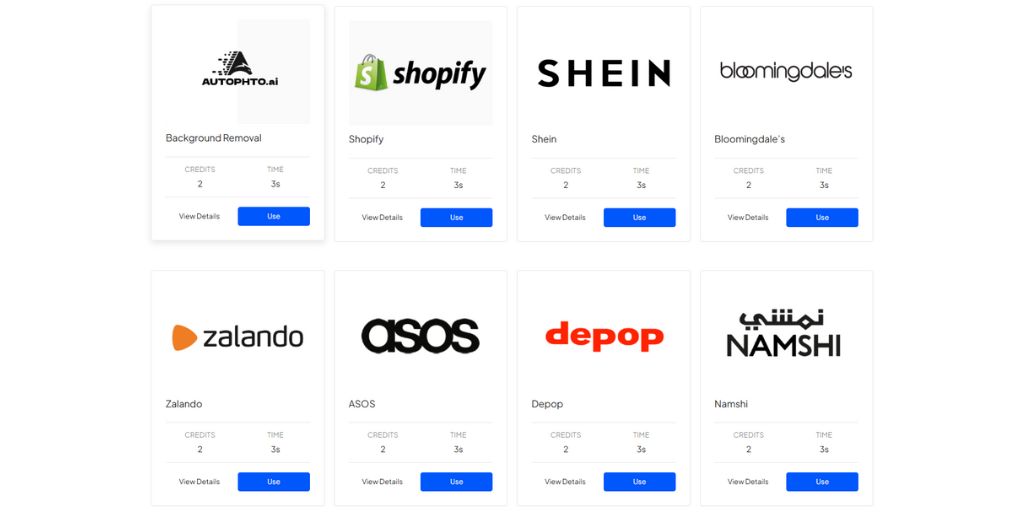
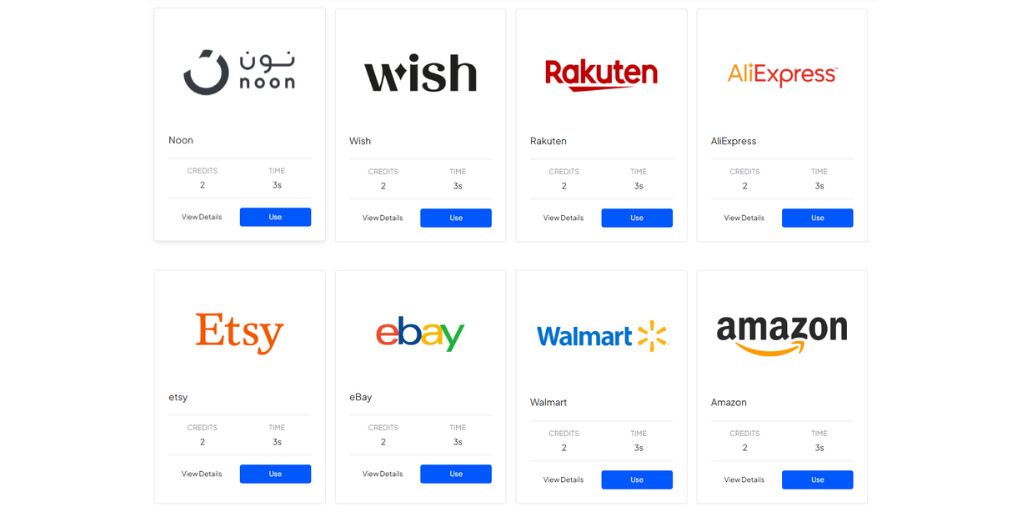
- Browse available marketplace templates (Amazon, Shopify, eBay, Etsy, Walmart, etc.)
Step 2: Select Your Marketplace
- Click View Details on the template that matches where you’re selling
- This opens the template’s Nodes, showing all specifications (background type, shadow, dimensions, margins and alignment rules)
Step 3: Upload and Apply
- Click Use on your selected template
- Drag and drop your product photos or click to upload from your device
| Note: Supported input formats include JPG, JPEG, PNG, WEBP, GIF, BMP, HEIC, ICNS, CR2, CR3, NEF, DNG, ARW, ORF, RW2, NRW |
Autophoto accepts bulk uploads where you can add as many images as you need. The template applies to all uploaded images in one click and the AI processes each one according to the template’s rules.
Step 4: Review and Export
- Preview edited images in real-time to confirm they meet your standards
- Export in any of the four formats (PSD, PNG, JPG, WebP)
- For multiple platforms, apply additional templates and export separate batches for each
Ideal Marketplace Guidelines
Each marketplace has specific image requirements. Here’s what major platforms expect and how Autophoto’s pre-built templates meet those standards.
Amazon
Platform Requirements:
Image size: 2000 x 2000 px. The longest side must be 2000 px (Amazon’s minimum requirement is 1000 px), ensuring high image quality on the platform.
Format: JPEG, sRGB
Background: Pure white (#FFFFFF)
Shadow: Off (no natural shadow)
DPI: 72
Alignment: Center ; product should fill approximately 85% of the frame
Margin: 7.5% each side (on a 2000 px canvas, this equals a 150 px margin on all sides)
What the Template Does:
The template automatically removes backgrounds and replaces them with pure white, centers the product so it fills approximately 85% of the frame, ensures a minimum of 72 DPI for Amazon’s zoom functionality and applies Amazon-compliant 7.5% margins (150 px on a 2000 px canvas) on all sides.
Shopify
Platform Requirements:
Image size: 2048 x 2048 px
Format: JPEG
Background: Pure white (#FFFFFF)
Shadow: Off (no natural shadow)
DPI: 72
Alignment: Center
Margin: 15% each side (on a 2048 px canvas, this equals a 307 px margin on all sides)
What the Template Does:
The template crops images to a square 2048 × 2048 px format, removes backgrounds and replaces them with pure white, centers the product for consistent catalog presentation, applies a 307 px margin on all sides and maintains optimal 72 DPI resolution for clean, web-ready display.
Walmart
Platform Requirements:
Image size: 2200 × 2200 px (recommended) or 1500 × 1500 px minimum
Format: JPEG
Background: Pure white (#FFFFFF)
Shadow: Off (no natural shadow)
DPI: 300 (or 72 DPI for smaller images)
Alignment: Center
Margin: 7.5% each side (on a 2200 px canvas, this equals a 165 px margin on all sides)
What the Template Does:
The template removes backgrounds and replaces them with pure white, centers products with Walmart-compliant margins (7.5% on all sides), scales images to Walmart’s recommended 2200 × 2200 px size (or minimum 1500 × 1500 px as needed) and outputs high-resolution files that meet Walmart’s quality standards.
eBay
Platform Requirements:
Image size: 1600 x 1600 px recommended (minimum 500 px on longest side)
Format: JPEG, sRGB preferred (PNG, GIF, TIFF also supported)
Background: White (#FFFFFF) or neutral background
Shadow: Natural, subtle shadow allowed (avoid harsh or artificial shadows)
DPI: 72
Alignment: Center ; product should fill approximately 70-85% of the frame
Margin: 10% each side (on a 1600 px canvas, this equals a 160 px margin per side for ~80% product fill)
What the Template Does:
The template removes distracting backgrounds and replaces them with a clean white backdrop, adds a natural and subtle shadow for depth (as preferred on eBay), centers the product with a 10% margin on all sides to achieve the recommended 70–85% frame fill and outputs a square 1600 × 1600 px image for improved search visibility.
Etsy
Platform Requirements:
Image size: 2000 x 2000 px recommended (minimum 1000 px on shortest side)
Format: JPEG, sRGB (PNG allowed for transparency)
Background: White (#FFFFFF) or original background depending on brand aesthetics
Shadow: Natural, subtle (avoid heavy or artificial shadows)
DPI: 72 for web display ; 300 only if providing PSD/print-ready assets
Alignment: Center ; product should remain visible across both square and rectangular crops
Margin: 7.5% each side (on a 2000 px canvas, this equals a 150 px margin on all sides)
What the Template Does:
The template cleans or enhances backgrounds while preserving the brand’s aesthetic style, applies natural and subtle shadows, centers the product with Etsy-appropriate 7.5% safe margins to protect visibility across square and rectangular crops and exports high-resolution 2000 × 2000 px images optimized for Etsy’s display requirements.
AliExpress
Platform Requirements:
Image size: 2000 × 2000 px recommended (minimum 1000 × 1000 px)
Format: JPEG
Background: Pure white (#FFFFFF)
Shadow: Off
DPI: 72 (300 only for print/PSD)
Alignment: Center
Margin: 7.5% each side (on a 2000 px canvas, this equals a 150 px margin on all sides)
What the Template Does:
The template removes backgrounds and replaces them with pure white, centers the product with consistent 7.5% margins on all sides, ensures minimum resolution requirements (1000 × 1000 px) are met and outputs images in a square format (2000 × 2000 px recommended) for full AliExpress platform compatibility.
Rakuten
Platform Requirements:
Image size: 1500 × 1500 px recommended (minimum 1000 × 1000 px)
Format: JPEG or PNG
Background: White (#FFFFFF) for main images ; transparent allowed for secondary/lifestyle images
Shadow: Off for main images ; subtle natural shadow allowed in secondary images
DPI: 72 (300 only for PSD/print deliverables)
Alignment: Center
Margin: 7.5% each side (on a 1500 px canvas, this equals a 112 px margin on all sides).
What the Template Does:
The template applies white backgrounds for main images, centers products with 7.5% margins (112 px on a 1500 px canvas) to prevent edge cropping, maintains required resolution and outputs square images in 1500 × 1500 px format for Rakuten compliance. For secondary or lifestyle images, subtle natural shadows and transparent backgrounds can be preserved.
Wish
Platform Requirements:
Image size: 1000 × 1000 px recommended (minimum 800 × 800 or 500 × 500 px)
Format: JPEG preferred
Background: White (#FFFFFF) or original (no borders or watermarks)
Shadow: Off for main image ; natural subtle shadow allowed for secondary images
DPI: 72 minimum (300 only for PSD/print deliverables)
Alignment: Center
Margin: 7.5% each side (on a 1000 px canvas, this equals 75 px margin per side)
What the Template Does:
The template removes busy backgrounds and replaces them with clean white, centers the product with 7.5% margins (75 px on a 1000 px canvas) for mobile-friendly display, ensures minimum image size requirements are met and outputs square images compatible with Wish’s platform.
Noon
Platform Requirements:
Image size: 1600 × 1600 px recommended (minimum width ≥ 660 px)
Format: JPEG
Background: White (#FFFFFF) for main images ; original/styled background allowed for lifestyle images
Shadow: Off for main images if required ; natural subtle shadow allowed for secondary images
DPI: ≥72 PPI (300 for PSD/print)
Alignment: Center
Margin: 7.5% each side (on a 1600 px canvas, this equals 120 px margin per side)
What the Template Does:
The template applies pure white backgrounds for main product images, centers products with 7.5% margins (120 px on a 1600 px canvas) to ensure proper framing, resizes images to meet minimum Noon dimensions and adds subtle natural shadows for secondary or lifestyle images when appropriate.
Namshi
Platform Requirements:
Image size: 2000 x 2000 px recommended (follow platform upload limits)
Format: JPEG
Background: White (#FFFFFF) for main images ; brand background allowed where permitted
Shadow: Off for main images ; natural shadow allowed in supporting shots
DPI: 72 (300 for PSD/print deliverables)
Alignment: Center
Margin: 7.5% each side (on a 2000 px canvas, this equals 150 px margin per side)
What the Template Does:
The template removes backgrounds and replaces them with pure white, centers products with consistent 7.5% margins (150 px on a 2000 px canvas), ensures high-resolution output and standardizes alignment across the catalog to maintain consistency and platform compliance.
Depop
Platform Requirements:
Image size: 1280 x 1280 px or 1500 x 1500 px recommended (square 1:1)
Format: JPEG or PNG
Background: Original or styled flat lay (avoid watermarks or stock images)
Shadow: Optional (natural lighting recommended)
DPI: 72 (300 only for PSD/print)
Alignment: Center ; square crop (1:1)
Margin: 7.5% each side (on a 1500 px canvas, this equals 112 px per side)
What the Template Does:
The template crops images to a perfect square format (1:1), preserves original styled backgrounds or applies clean aesthetics where needed, centers products for mobile-friendly display and maintains 7.5% safe margins (112 px on a 1500 px canvas) to prevent edge cropping.
ASOS
Platform Requirements:
Image size: 2116 x 2700 px recommended (minimum 1500 x 1900 px ; portrait preferred)
Format: JPEG
Background: Light grey (#F0F0F0) for catalog/main images
Shadow: Off for main ; subtle natural shadow allowed in detail/supporting shots
DPI: 300 (recommended for primary images)
Alignment: Center
Margin: 7.5% each side (top 142 px, bottom 142 px, left 112 px, right 112 px on recommended 2116 × 2700 px canvas)
What the Template Does:
The template applies ASOS-specific light grey background (#F0F0F0), formats images to portrait orientation, maintains high 300 DPI resolution, centers products with 7.5% margins (left/right 159 px, top/bottom 203 px), and standardizes positioning across the product range for consistent catalog presentation.
Zalando
Platform Requirements:
Image size: 1801 x 2600 px recommended (minimum 762 x 1100 px)
Format: JPEG
Background: White (#FFFFFF) or light neutral background
Shadow: Off
DPI: 300 (72 only for quick web proofs)
Alignment: Center
Margin: 7.5% each side (top 82 px, bottom 82 px, left 57 px, right 57 px on recommended 1801 × 2600 px canvas)
What the Template Does:
The template removes backgrounds and applies a white or light neutral background, formats images to Zalando’s portrait dimensions, maintains 300 DPI for high-quality output, centers products within the frame, preserves all image details and ensures consistent margins and alignment according to Zalando specifications.
Bloomingdale’s
Platform Requirements:
Image size: 1500 x 1500 px minimum (2000+ px preferred for zoom)
Format: JPEG or PNG
Background: White (#FFFFFF) or neutral for catalog images
Shadow: Off for main image ; natural shadow allowed for supporting shots
DPI: 300 recommended
Alignment: Center
Margin: 7.5% each side (on a 2000 px canvas, this equals 150 px margin per side)
What the Template Does:
The template applies clean white backgrounds, scales images to preferred 2000+ px for zoom functionality, centers products with professional alignment, maintains high 300 DPI resolution and ensures 7.5% margins for consistent catalog presentation.
Shein
Platform Requirements:
Image size: 2000 x 2000 px (minimum 500 x 680 or similar depending on region)
Format: JPEG
Background: White (#FFFFFF) or clean neutral background
Shadow: Off for main image ; natural subtle shadow allowed for lifestyle images
DPI: 72 (300 only for PSD/print)
Alignment: Center
Margin: 7.5% each side (on a 2000 px canvas, this equals 150 px margin per side)
What the Template Does:
The template removes backgrounds and applies clean white, optimizes images for mobile viewing with proper dimensions, centers products with 7.5% safe margins and maintains web-optimized resolution for consistent display.
When Should You Use a Marketplace Template?
Autophoto templates are ideal when you’re:
- Launching new products in bulk
- Preparing exports for multiple marketplaces
- Fixing previously rejected images
- Creating standardizing product catalogs
- Editing large seasonal uploads
If your workflow includes bulk uploads or constant listings, templates make the process faster and more reliable.
Taking The Next Step
You’ve just learned how to use Autophoto’s marketplace templates to edit thousands of images in minutes.
No more manually reformatting the same product photo for different platforms. Your templates now handle everything from backgrounds, cropping, alignment, margins and platform-specific specifications all automatically across every other marketplace you sell on.
This is Part 2 of our series. Check out:
Coming up:
- Part 3: How to setup autophoto account?
If you need a custom template for a specific marketplace or have unique formatting requirements, Autophoto can create one tailored to your needs.
Get started with pre-built templates at app.autophoto.ai and see how fast bulk editing can actually be.